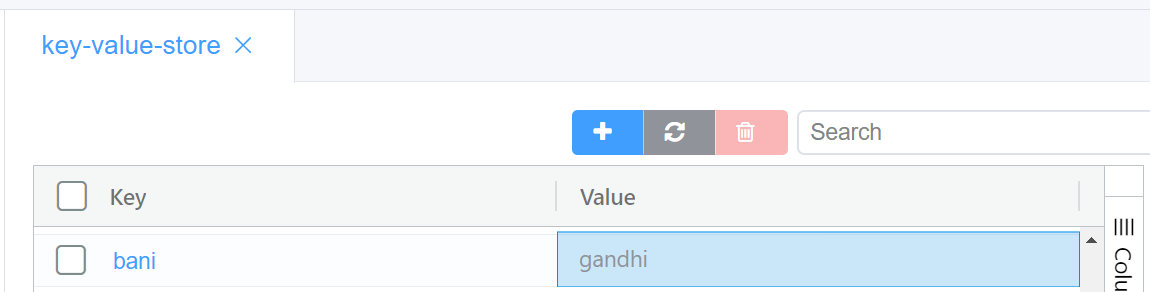
Key Value Store
Document Metadata
Category: Applications Platform / Key-Value Store
Audience: Engineers, Developers, Platform Integrators
Difficulty: Intermediate
Time Required: Approximately 15–20 minutes
Prerequisites: Access to the ConnexCS Apps Platform IDE, familiarity with basic data-storage concepts (key-value pairs) and how your application will use lightweight state or lookup tables
Related Topics: Databases – Types & Usage, ScriptForge
Next Steps: Identify key-value data → create Store in IDE → define keys/values → access in app logic → document naming and retention rules
Introduction
A Key-Value Store, also known as a key-value database, is a simple and efficient type of database that uses a "key-value" pair format to store data.
It's like a giant dictionary where each key acts as a unique identifier for a specific piece of information (the value).
Key-value Pairs
Each data item is stored as a pair of a unique key and its associated value. Think of it like a dictionary entry with a word (key) and its definition (value).
How to use the Key Value Stores
-
Login to your account.
-
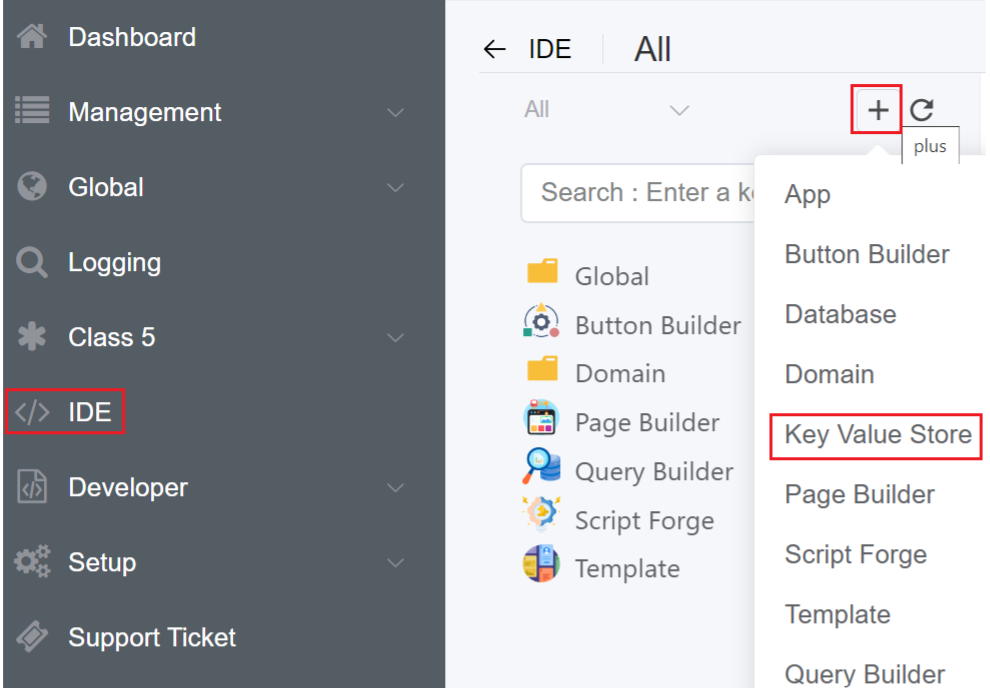
Navigate to IDE
+sign Key Value Store.
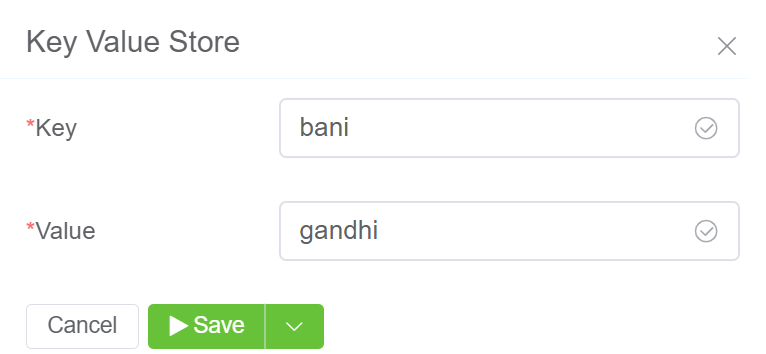
3.Enter the Key, Value and click on Save.
4.The created Key Value will be visible on the IDE panel under Global Database Key Value Store tab.
5.Click on your created Key Value.
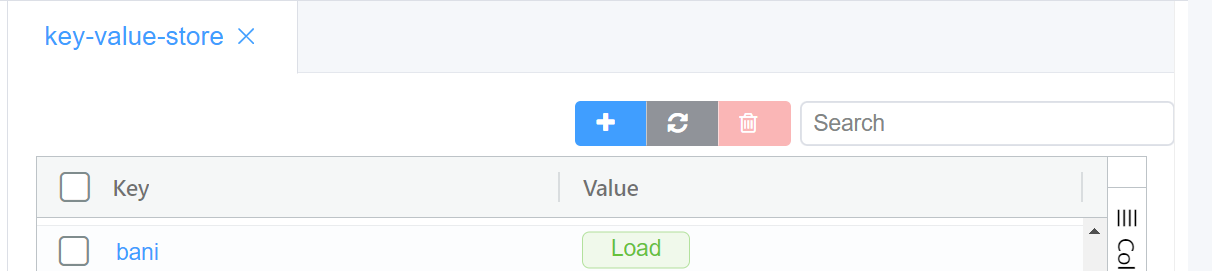
6.Click on load to see the value you entered.