Jobs
Document Metadata
Category: Setup & Configuration → Information → Jobs
Audience: Administrators, Engineers, Support Team
Difficulty: Intermediate
Time Required: 5–10 minutes
Prerequisites: Access to the Setup → Information section of the ConnexCS control panel; permissions to view system jobs/queues.
Related Topics: Audit Log, Change Log
Next Steps: Review job results and export logs for job monitoring or troubleshooting.
Setup Information Job
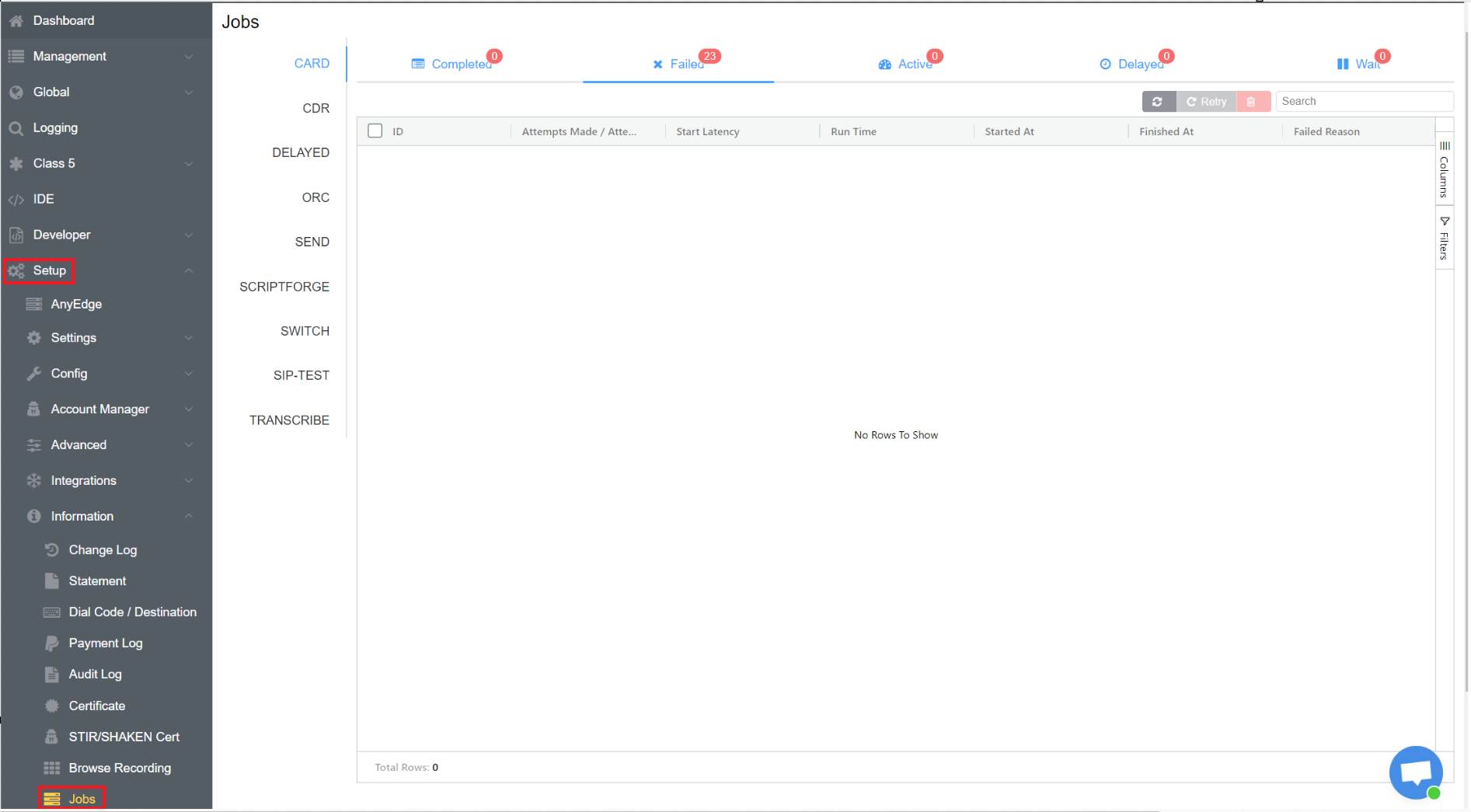
Jobs is an interesting feature that lets you check the status of tasks created or initiated for you.
Types of Status
- Completed: When the task has been fully accomplished
- Failed: When the process doesn't complete successfully.
- Active: The task is ongoing.
- Delayed: When the task has been delayed.
- Wait: The task has been paused.
Types of Tasks
- Card: You can check the status of the Rate Card, when you build it.
- CDR: You can check the status of any re-rate.
- Delayed: You can check the status of any task you've delayed.
- ORC: You can check the status of any server which has been added or restarted.
- Send: You can check the status of the e-mails you send. You can even re-try to send the e-mail along with failed reasons.
- ScriptForge: You can check the status of the ScriptForge running in the background.
- Switch: You can check the status of any changes are made to the OpenSIPS.
- SIP Test: You can check the status of any Circuit Tests.
- Transcribe: You can check the status of any call under transcription process.
Note
You can see the information like ID, Attempts made/Attempts, Start Latency, Run Time, Started At, Finished At and Failed Reason for all the statuses discussed above.