RTP Zones
Document Metadata
Category: Setup / Settings / RTP Zones
Audience: Administrators, Network Engineers, Operations Team
Difficulty: Intermediate
Time Required: Approximately 30–45 minutes
Prerequisites: Active ConnexCS account with Setup-Settings access; understanding of RTP (Real-Time Transport Protocol) media paths, geographic media proxy zones, and call-quality issues.
Related Topics: Servers – Deploying & Managing, Call Quality / Media Issues
Next Steps: Navigate to
Setup → Settings → RTP Zones, click + to create a new zone or edit an existing one, assign it the closest or optimal media proxy server based on geography, update call-flows or routing to use the zone, then monitor latency and packet-loss metrics to validate call-quality.Setup Settings RTP Zones
Introduction
RTP Zones allow you to change the zone in case of any change of location.
Steps to change the Zone
1. Navigate to Setup Settings RTP Zones.
2. Click on + on the top right.
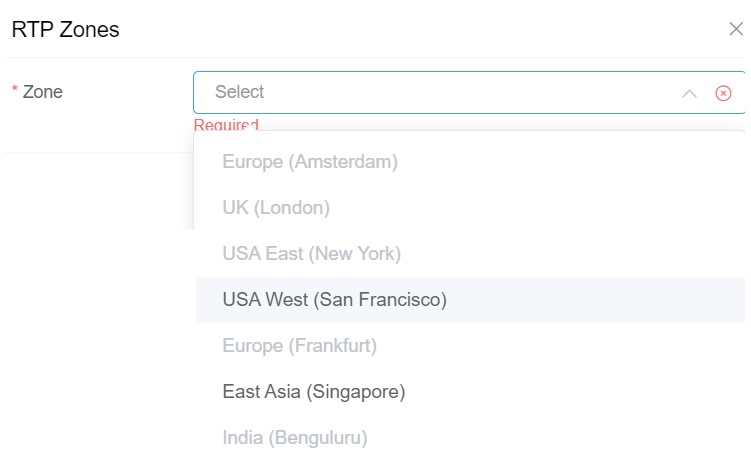
3. A dialog will box will open with various Zone options.
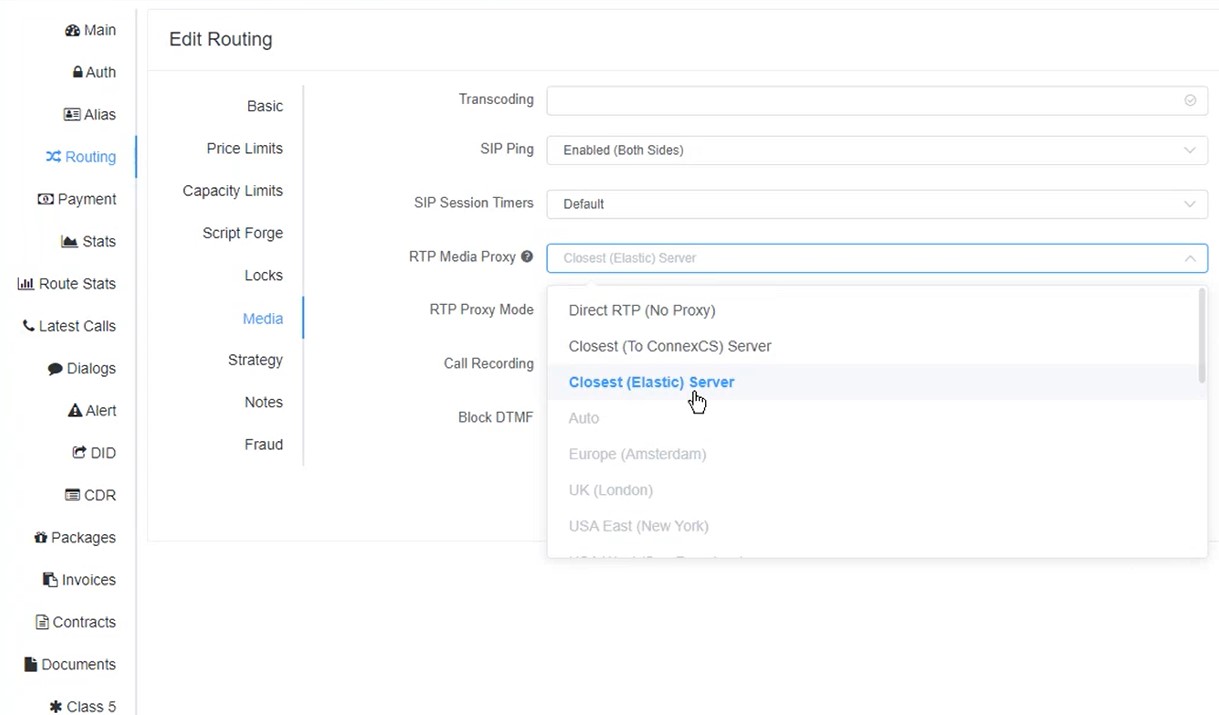
The recommended RTP Media Proxy" is Closest (Elastic) Server.
If in case any media issue occurs and Closest (Elastic) Server is not working properly, then you can enable RTP Zones and select it accordingly.