Creating Scripts
Document Metadata
Category: Customer Portal / Contact Center – Script Management
Audience: Administrators, Engineers, Support Team
Difficulty: Intermediate
Time Required: Approximately 15–25 minutes
Prerequisites: Active ConnexCS account, Customer Portal module enabled, Contact Center and Dialer configured, and permissions to create/edit scripts in the Contact Center module.
Related Topics: Contact Center Overview, Agent Management, Campaign Management, Dialer Setup
Next Steps: Define and design call scripts (dialogues, prompts, call flows), assign scripts to agents or campaigns, test scripted call flows via the dialer, and validate correct script behavior across different call scenarios.
Creating Scripts is ONLY for Auto Dialer and Preview Dialer.
Overview
The Script section enables you to create structured call scripts for agents to follow during customer interactions.
Steps to create the Scripts
-
Click on
Add a new Script.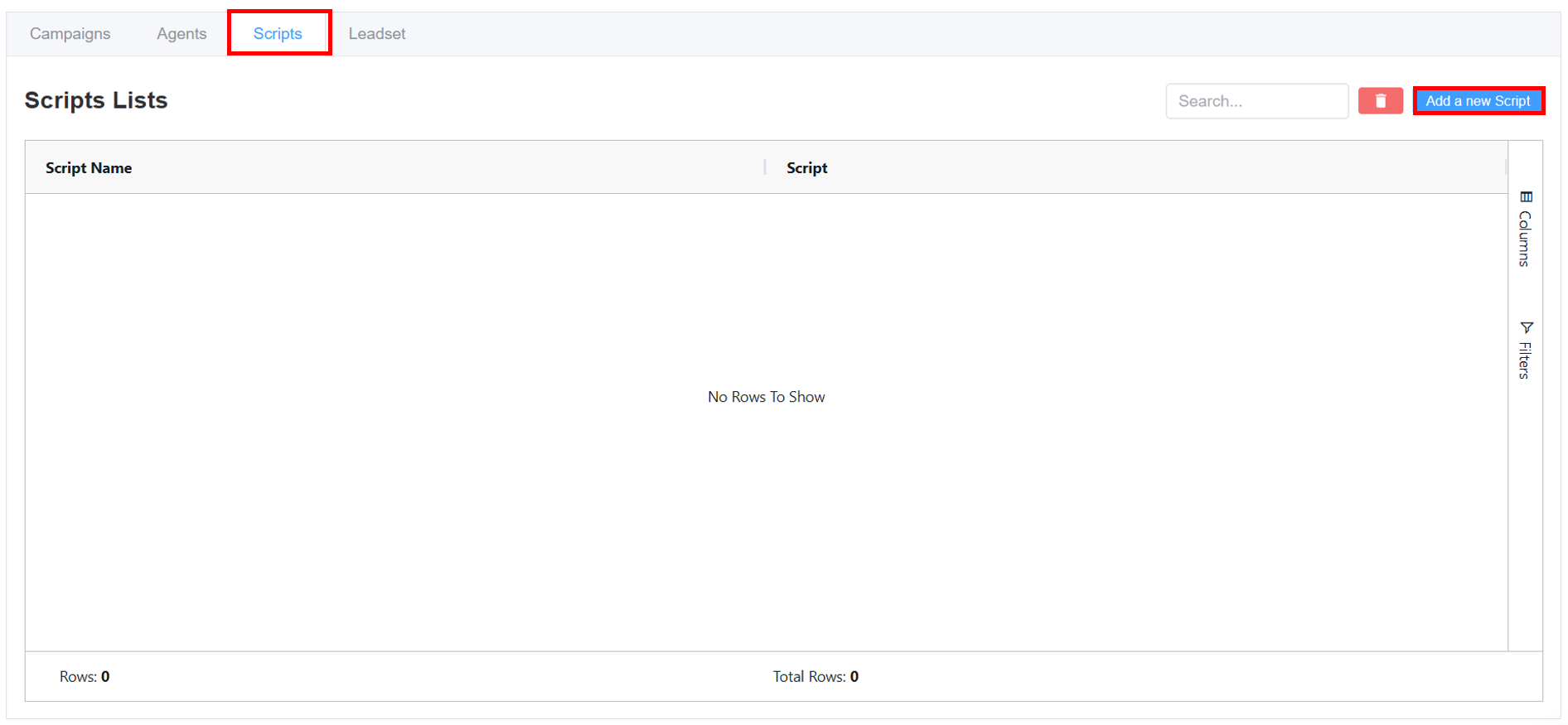
-
Enter the
Script NameandScript. -
Click
Confirmto save the script.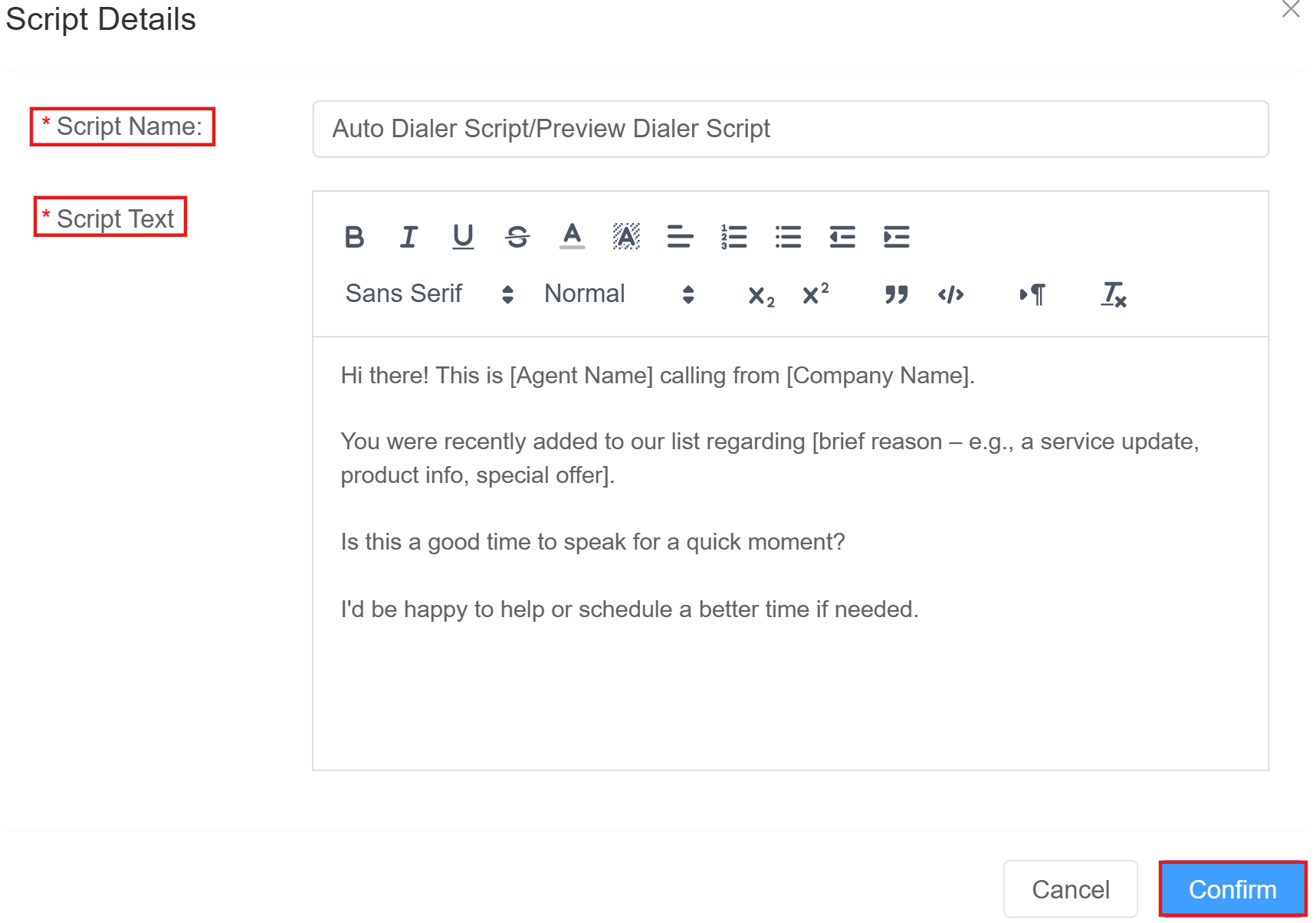
-
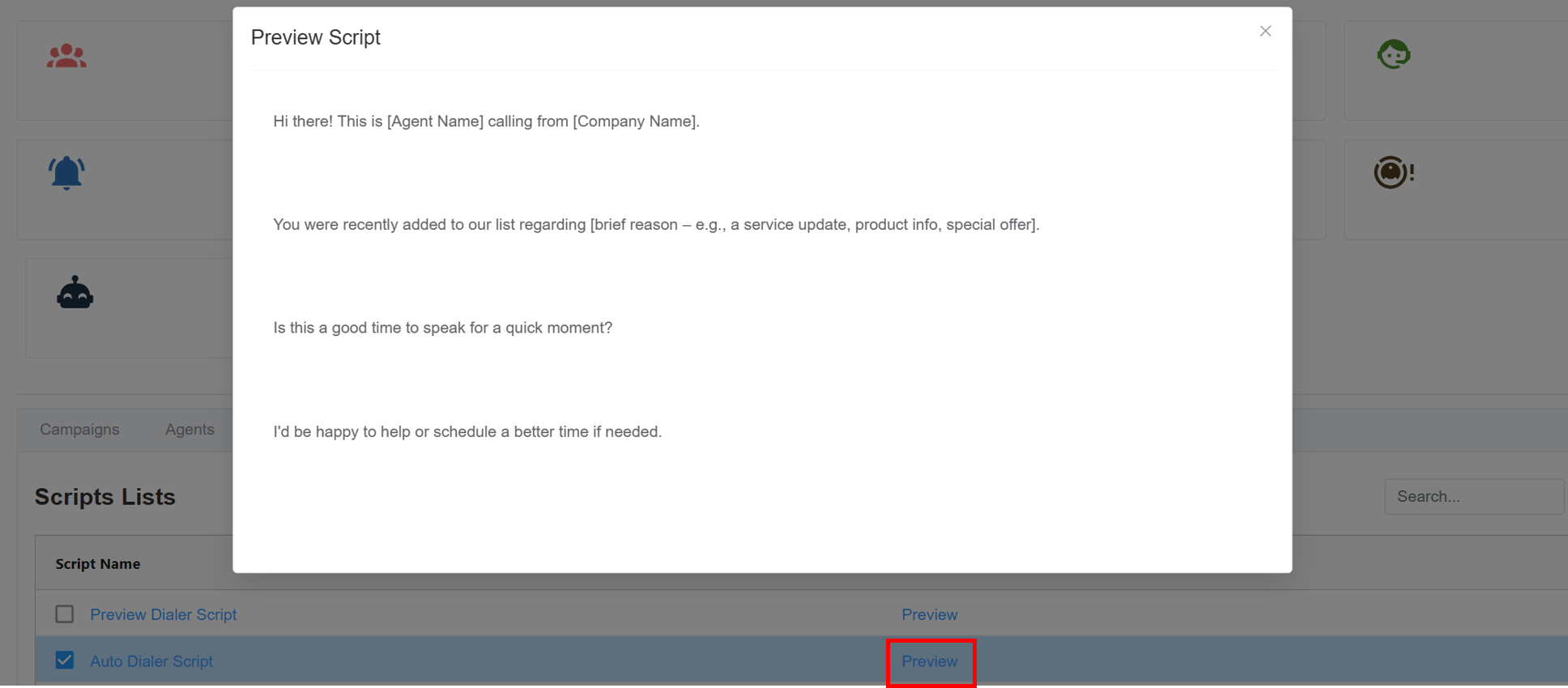
The created script will be displayed in the window; click on
Previewto view the script.