Payment
Document Metadata
Category: Carrier Management / Payments & Billing
Audience: Administrators, Engineers, Finance & Support Team
Difficulty: Intermediate
Time Required: Approximately 30–45 minutes
Prerequisites: Active ConnexCS account with Carrier-module access; familiarity with carrier billing workflows and payment tracking
Related Topics: Customer Payment
Next Steps: Review existing payments to the carrier, record new payments via the Payment tab, update payment statuses (Completed, Pending, Cancelled), and reconcile with your financial records
Management Carrier Payment
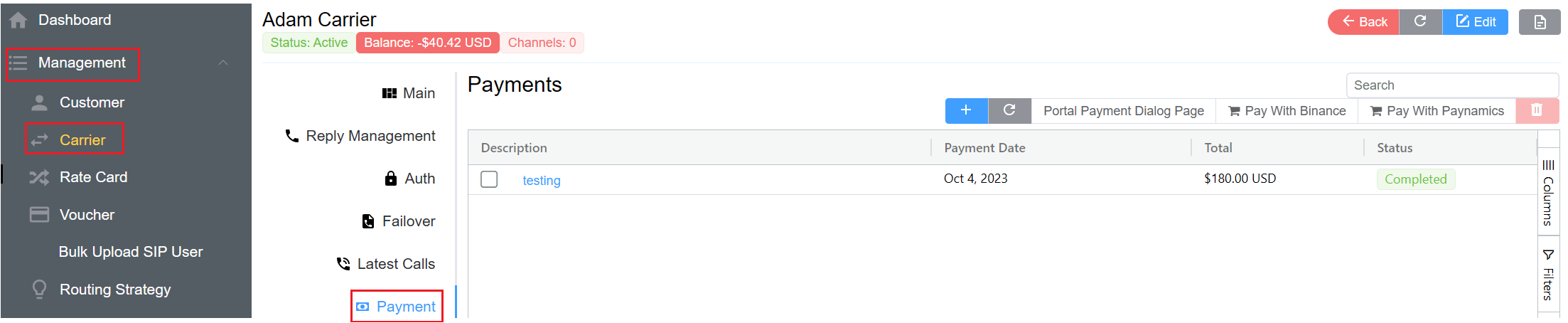
The Payment tab shows payments made to the carrier. To add a new payment, click , fill in the payment information, and then click Save.